
Your Setup Guide
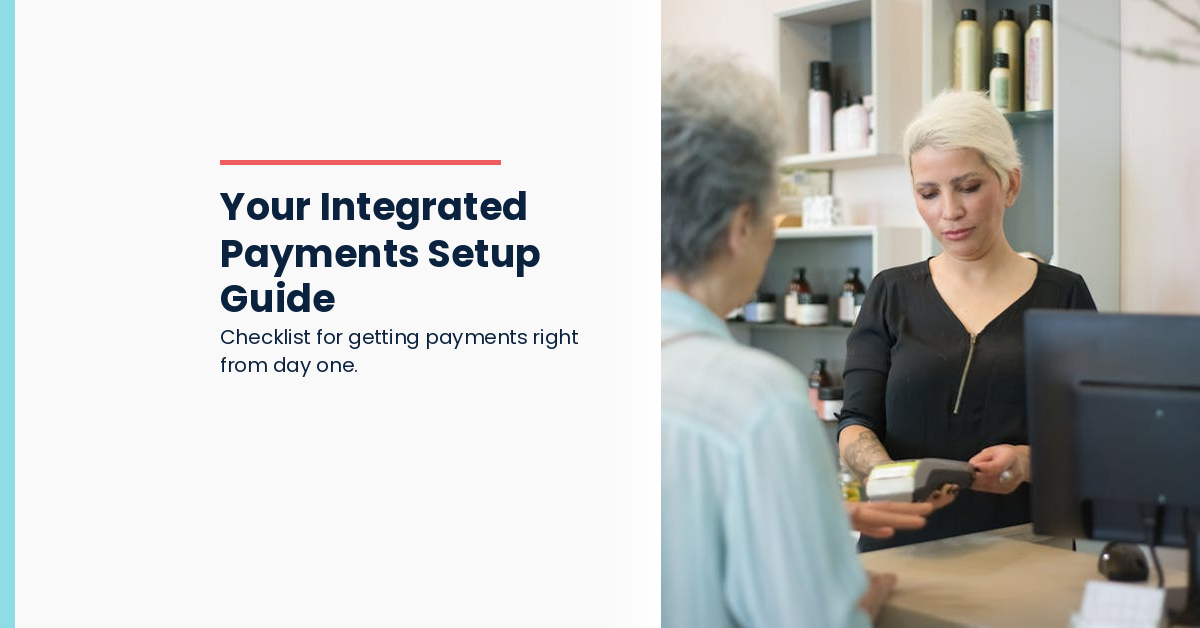
Integrated payments means your EFTPOS terminal talks directly to Simple Salon. Transactions appear instantly in the POS, in client records, and in your reporting.
Before You Start: What You Will Need
If you use Tyro: Your Merchant ID (MID), Terminal ID (TID), a Tyro device, and an EFTPOS terminal connected to your salon network.
If you use ANZ Worldline: An EFTPOS terminal on the same network as your salon system, the terminal's IP address, the port number it's configured to use, and access to your network settings.
You should have all of this information already - your EFTPOS provider or network administrator will have it.
Step-by-Step: Tyro Setup
In Simple Salon, navigate to Settings - Integrations - EFTPOS. Select Tyro.
Enter your Merchant ID and Terminal ID. Click Authorise POS.
Simple Salon will communicate with your Tyro terminal and confirm the connection. Run a test transaction through the terminal to verify it's working.
That's it. From that point forward, every payment processed on your Tyro terminal will appear automatically in Simple Salon.
Step-by-Step: ANZ Worldline Setup
In Simple Salon, navigate to Settings - Integrations - EFTPOS. Select ANZ Worldline.
Enter the terminal's IP address and port number. Confirm that your salon system and EFTPOS terminal are on the same network.
Click Test Connection. Simple Salon will verify it can reach your terminal. Once verified, the connection is active.
Run a test transaction to confirm payments are flowing through correctly.
After Setup: What Changes for Your Team
At the POS screen, there's now a Process Payment button. Instead of handing a card to the client or swiping separately, team members press Process Payment, select the amount, and the terminal handles the transaction.
For most salons, one training session covers everything. Show your team where the button is, how to select the amount, and what to do if a transaction fails. That's the whole training.
Payments appear instantly in the client record, in the transaction ledger, and in your daily reports.
On the Night: Your First End-of-Day
At close of business, run your End of Day report in Simple Salon. Your EFTPOS totals should match your POS totals. They will.
If they don't (which is rare), there's usually a simple explanation - a reversed transaction, a test payment that wasn't cleared, or a timezone mismatch. These are easy to spot and fix.
Most salons complete their first end-of-day in about five minutes. The reconciliation process becomes one of your fastest daily tasks.
Integrated payments set up correctly takes less than an hour and changes how your team works. Get Started With Integrated Payments →