
How to Set Up Automatic Rebooking Reminders in Simple Salon
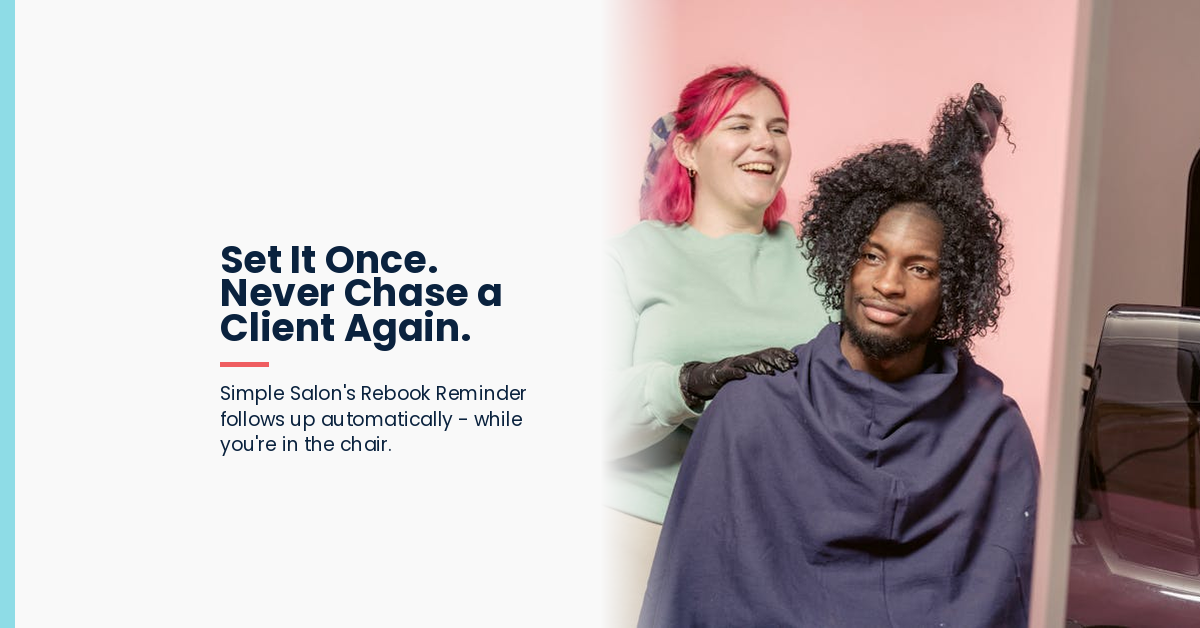
Picture this: you are in the middle of a colour application, fully focused on your client. Somewhere across town, a client you have not seen in seven weeks just received a warm, personalised message from your salon. You did not send it. You did not even think about it. Simple Salon did it for you.
That is the Rebook Reminder – one of the most quietly powerful features in Simple Salon’s 1-Touch Marketing suite. This post walks through exactly what it does, why it matters, and how to set it up in under five minutes.
What the Rebook Reminder does (and does not do)
The Rebook Reminder sends an automated SMS and/or email to clients who have not rebooked a future appointment after a set period following their last visit. The critical detail: only clients with no future bookings receive this message. If a client has already rebooked, they will not hear a thing.
This means it is never intrusive. A client who is already on the books will not get an unnecessary nudge. Only the ones who genuinely have not rebooked receive the message.
You can configure: how many weeks after a client’s last visit the message is sent, which services trigger the reminder, whether it sends via SMS, email, or both, and the message itself (fully customisable text).
Why timing matters
The window for re-engagement is widest between 4 to 8 weeks after a client’s last visit. At this point, the relationship is still warm – they have not fully moved on – but they also have not rebooked. This is the moment the Rebook Reminder is designed to catch.
The default timing we recommend is 6 to 8 weeks for most services, adjusted by service type: a colour client is likely due every 8 weeks, a regular cut client might need a nudge at 5 to 6 weeks. The ability to configure timing per service category makes this feature more thoughtful than a generic “we haven’t seen you” blast.
Step-by-step: how to set up your Rebook Reminder
Setting this up takes about five minutes. Here is the exact path:
Step 1: Log into Simple Salon and go to Admin in the top navigation.
Step 2: Click the SMS & Email tab.
Step 3: Find the 1-Touch Marketing section and look for Rebook Reminder.
Step 4: Click Edit on the Rebook Reminder row.
Step 5: Configure your settings: toggle SMS and/or Email on, set the number of weeks after last visit to trigger the message, choose whether to apply to all services or specific categories, and write your message.
Step 6: Click Save.
That is it. The system will now automatically monitor your client base and send this message to any qualifying client, every time the trigger conditions are met.
✦ Example Message
“Hi [First Name] 😊 It’s been a while since we’ve seen you at [Salon Name] – your [service] is probably due soon! We’d love to have you back. Book here: [booking link]”
Keep it warm, brief, and personal. Include your first name merge field and your online booking link.
The set-and-forget mindset
The Rebook Reminder is designed around a principle at the heart of Simple Salon’s 1-Touch Marketing: set it up once, and let it run. You should not need to think about it again.
Once it is configured, it is working in the background every single day – checking which clients have not rebooked, and sending a warm, well-timed message on your behalf. While you are with your next client. While you are on a day off. While you are asleep.
Most salons do not struggle with client retention because they do not care. They struggle because manual follow-up simply does not happen consistently. Automation fixes that – not by removing the human element, but by making the human gesture reliable.
Head to Admin → SMS & Email → 1-Touch Marketing → Rebook Reminder. Five minutes now, results for years. See all 1-Touch Marketing features →